



Touch Monitors for PC & Industry
Capacitive and Resistive Touchscreen Monitors
Lilliput TK2150/T 21.5 industrial touch monitor IP65

€ 527.31 incl. VAT
in stock
Lilliput FA1019HT 10.1 Touch Monitor 1500 Nit

€ 399.00 incl. VAT
product already ordered
Lilliput TK1560/T 15.6 Touch Monitor 1000 Nits IP64

€ 391.84 incl. VAT
in stock
Lilliput TK1331T – 13.3 Industrial Touch Monitor

€ 379.00 incl. VAT
in stock
Lilliput FA1016/C/T 10.1 HDMI touchscreen monitor

€ 372.46 incl. VAT
in stock
Lilliput FA1019T 10.1 Touch Monitor 1500 Nit

€ 369.00 incl. VAT
in stock
Lilliput TK1330 – 13.3-Inch IPS Display
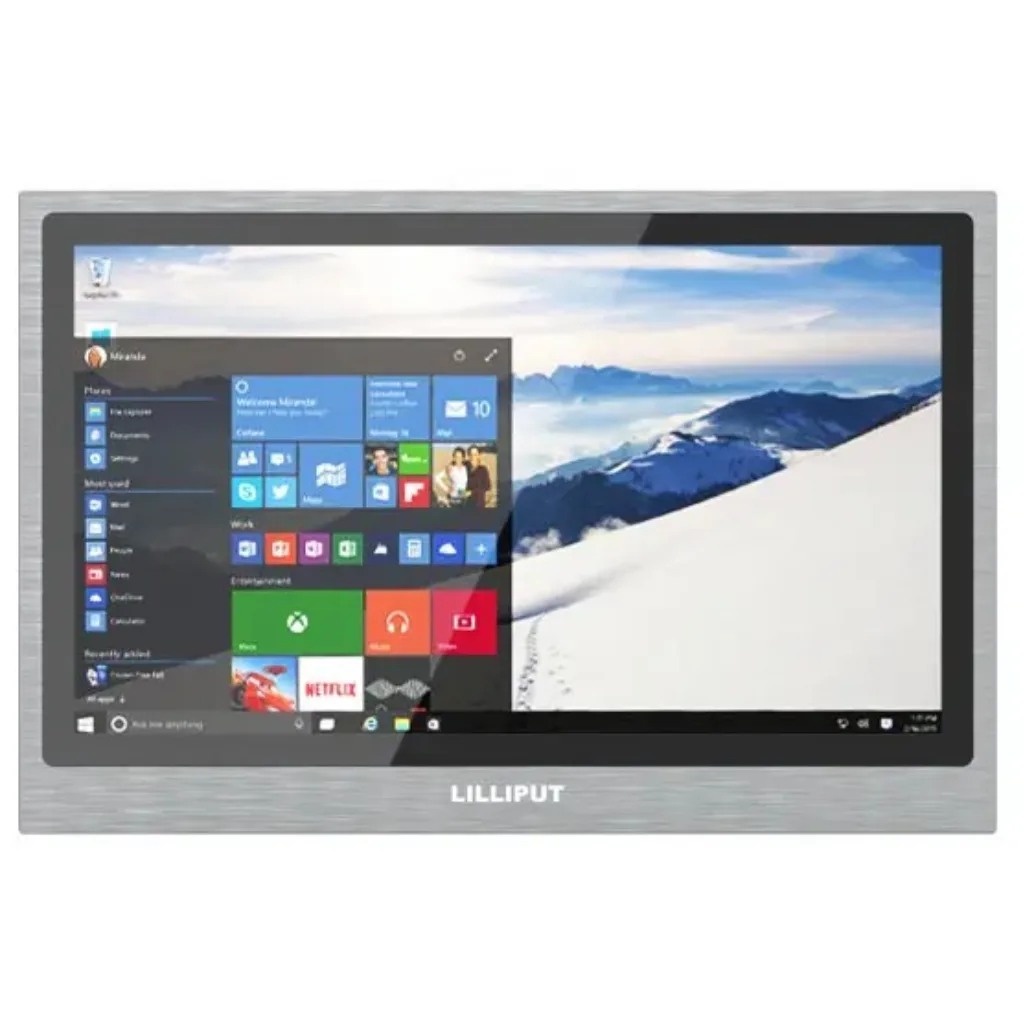
€ 332.00 incl. VAT
in stock
LILLIPUT FA1210/C/T – 12 touchscreen monitor full HD

€ 310.13 incl. VAT
in stock
Lilliput TK1019T – 10.1 Industrial Touch Monitor

€ 299.00 incl. VAT
product already ordered
At CVC, you will find Lilliput touch monitors designed for industrial control systems, PC-based user interfaces and professional applications. These touchscreen monitors allow users to interact directly with connected computer systems by transmitting touch input through a dedicated USB touch interface. Depending on the model, capacitive or resistive touch technology, different screen sizes, high-brightness panels and rugged housing designs are available. These displays are suitable for control systems, visualisation applications and interactive installations in industrial, broadcast and digital signage environments.
Touchscreen monitors with USB connectivity are used wherever computers and software applications need to be controlled directly through the display. Typical applications include industrial machine control, human-machine interfaces (HMI), kiosk and information systems, PC-based operator workstations and interactive visualisation. In broadcast and production environments, touch monitors can also serve as control interfaces for specialised software. Depending on the model, capacitive multi-touch panels support multiple simultaneous touch points, while resistive touchscreens provide pressure-sensitive input. Selected models also offer protected display fronts and increased screen brightness for demanding installation environments.
When selecting a touch monitor for PC systems, screen size, resolution, touch technology and connectivity are important considerations. Capacitive touchscreens provide convenient finger operation and, depending on the model, support multi-touch gestures. Resistive touchscreens respond to pressure and can be useful in applications requiring operation with suitable styluses or gloves. In brightly lit environments, high-brightness displays and optional optical bonding can improve readability. Available video interfaces, such as HDMI or VGA, and mounting options, including VESA-compatible mounting points on selected models, should also be considered when planning an installation.
A key feature of these USB touch monitors is their ability to transmit touch input to an external PC system via USB. While the video signal is delivered through a suitable display connection, the USB interface transfers touch commands to the connected computer. Depending on the touch controller and operating system, the touchscreen may be recognised as a USB HID device or require a compatible touch driver. Support for Windows, Linux and other operating systems varies by model and should be verified using the individual product specifications. Unlike monitors with touchscreen-based menu controls only, these displays can be used to interact directly with PC applications and industrial control software.
What applications are Lilliput touch monitors suitable for?
Lilliput touch monitors are suitable for industrial control systems, PC-based user interfaces, kiosks, digital signage and professional media production environments. Their USB touch interface transfers touch input to a connected PC, allowing users to interact directly with software applications and control systems.
What is the difference between capacitive and resistive touchscreens?
Capacitive touchscreens detect changes in an electrical field and, depending on the model, support multi-touch gestures. They are particularly suitable for convenient finger operation. Resistive touchscreens respond to physical pressure and can also be operated using suitable styluses or gloves. Both technologies can be used to control external PC systems when the monitor provides the required USB touch interface.
How does the USB touch connection to a PC work?
With these USB touch monitors, the video signal is transmitted through a suitable display connection, such as HDMI or VGA, while touch input is sent separately to the connected PC via USB. Depending on the model and operating system, the touch controller may be recognised automatically as a USB HID device or require a compatible driver. This allows users to control PC applications directly through the touchscreen. Touch-based monitor menu controls alone do not provide this functionality.
How do brightness and IP protection ratings affect touch monitor selection?
Screen brightness, measured in nits, affects readability under strong ambient lighting. High-brightness models are particularly useful in brightly lit industrial environments. Optional optical bonding can reduce reflections between the display and protective glass. IP protection ratings indicate resistance to dust and water: IP64 provides dust-tight protection and resistance to water splashes, while IP65 additionally protects against water jets. On many industrial monitors, the specified IP rating applies only to the front panel. Always check the individual product specifications.
What connectivity and mounting options do these touch monitors offer?
Connectivity varies by model. Video interfaces may include HDMI or VGA, while touch input is transmitted to the PC through a USB connection. Some models also provide USB-C ports, whose supported functions should be verified in the individual product specifications. Depending on the model, installation options may include VESA mounting points or other panel-mounting solutions.
What screen sizes and operating systems are supported?
Lilliput offers touch monitors in different screen sizes, ranging from compact control displays to larger operator workstations. Compatibility with operating systems such as Windows or Linux depends on the touch controller and available drivers. Capacitive and resistive touchscreens may have different driver requirements. Screen size, resolution and operating system compatibility should therefore be checked in the specifications of each model.
